This course is part of the Generative AI for Software Developers ExpertTrack
AI-Assisted Coding, Testing, and Debugging for Developers
Put generative AI to work across coding, testing, debugging, and documentation while keeping quality and dev oversight intact.

Duration
3 weeksWeekly study
3 hours100% online
How it worksIncluded in an ExpertTrack
Course 2 of 3
AI-Assisted Coding, Testing, and Debugging for Developers
Accelerate everyday development with AI
Generative AI can speed up everyday development tasks, but effective use depends on knowing what to automate, what to verify, and when developer judgement matters most.
On this course, you’ll apply AI directly to coding, testing, debugging, and documentation while keeping quality firmly in focus.
You’ll move from prompting AI for individual code snippets to using it as part of a more structured build-and-test workflow.
Throughout the course, you’ll practise reviewing outputs critically rather than treating AI-generated code as a finished solution.
Generate and refine code with AI
Use natural language and technical context to generate functions, components, and boilerplate before applying AI-assisted refactoring to improve readability, performance, and adherence to best practices.
You’ll explore how clearer instructions and stronger context can produce more useful code suggestions.
Strengthen testing and troubleshoot faster
Apply AI to unit test generation, edge cases, and test coverage, then use it to interpret errors, investigate likely causes, and suggest potential fixes.
You’ll learn to validate recommendations and distinguish useful debugging support from unreliable output.
Keep code and documentation in sync
Use generative AI to support code comments, READMEs, and technical explanations while maintaining accuracy and consistency as software changes.
You’ll bring these techniques together in an AI-assisted development workflow that keeps the developer in control.
By the end, you’ll be able to use generative AI more effectively across coding, testing, debugging, and documentation while maintaining the standards expected in real software development.
Syllabus
Week 1
AI-Assisted Code Generation and Refactoring


Configure an AI-Assisted Coding Workflow
This opening orientation activity contains no content video. It connects Course 1 to the build phase through a short welcome, reflection and developer-control guidance.

Generate Working Code from Requirements and Context
Developers turn natural-language requirements and repository context into working code, compare different AI-assisted generation approaches, and refine generated functions and features before accepting them.

Refactor Code for Readability, Performance, and Best Practices
Developers improve existing code with AI by restructuring implementations, reviewing suggested changes, and applying readability, maintainability, performance, and best-practice checks before merging the result.
Week 2
AI-Assisted Testing, Debugging, and Fix Validation

Generate Unit Tests and Edge Cases to Improve Coverage
Developers use AI to produce tests from code and requirements, extend coverage with edge cases, and compare AI-generated tests with automated testing workflows before trusting the results.

Diagnose Failures and Produce Candidate Fixes
Developers use AI to interpret error information, narrow down likely causes, generate candidate fixes, and compare debugging approaches across coding assistants and AI-enabled development environments.

Validate Fixes and Strengthen Code Quality
Developers verify AI-proposed fixes through review, static analysis, and vulnerability-aware quality checks so that a plausible-looking suggestion is not mistaken for a correct or production-ready change.
Week 3
Documentation and an Effective AI-Assisted Build-and-Test Workflow

Produce Documentation and Automate Development Tasks with AI Agents
Developers use AI to document code, explain implementation decisions, and support reviews, then connect coding-agent assistance and automated development actions into a repeatable part of the build-and-test workflow.

Assemble and Verify an End-to-End AI-Assisted Build-and-Test Workflow
Developers finish the course by applying prompt discipline, team controls, secure development checks, and a repeatable verification checklist to an end-to-end AI-assisted build-and-test workflow.
Prove you're job ready
Highlight the new, job-relevant skills you’ve gained and supplement existing qualifications with a hard-earned, industry-specific digital certificate – plus one for every course within your ExpertTrack.
- Learn the latest in your chosen industry or subject.
- Complete each course and pass assessments.
- Receive certificates validated by the educating organisation.
- Impress employers with learning outcomes you can add to your CV.
- Make your career dreams a reality.
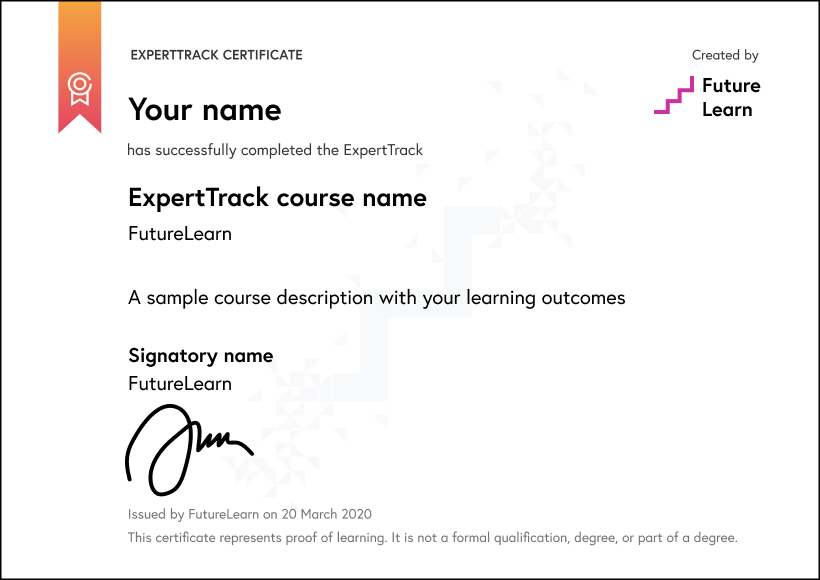
Download a PDF
Learning on this course
On every step of the course you can meet other learners, share your ideas and join in with active discussions in the comments.
What will you achieve?
By the end of the course, you‘ll be able to...
- Apply AI-assisted coding tools to generate working code from natural-language requirements and project context.
- Evaluate AI-generated code for readability, performance, maintainability, and behaviour preservation through refactoring and review.
- Create unit tests and edge cases with AI assistance to improve code coverage and software quality.
- Develop candidate fixes by analysing errors and diagnosing likely causes through structured AI-assisted debugging approaches.
- Assess AI-assisted build-and-test workflows through testing, verification, documentation, security checks, and developer oversight.
Who is the course for?
This course is designed for software engineers, full stack and application developers, and QA-minded developers who want to use AI across coding, testing, and debugging. Programming skills and familiarity with generative AI and prompting are required.
What software or tools do you need?
Learners need a computer and a stable internet connection to follow the course demonstrations and explore AI-assisted development workflows. The course introduces tools such as GitHub Copilot, Tabnine, Refact, Amazon Q, Gemini, Qodo Gen, Replit, Cursor, Windsurf, and Trae AI Builder. Specific operating system requirements, installation requirements, account requirements, and licensing details are not fully specified in the course material and should be confirmed before finalising the setup instructions.
Who will you learn with?

Who developed the course?
Edureka
Edureka is a global online learning platform offering industry-focused training in emerging technologies such as Cloud, AI, GenAI, Data Science, DevOps, and Cybersecurity, helping professionals upskill and advance their careers.

Start learning today - free 2-day trial
After your free trial you can:
- Pay $39 per month to keep learning online
- Have complete control over your subscription; you can cancel any time
- Work at your own pace and set your own deadlines at every stage
- Only pay while you’re learning; the subscription will cancel automatically when you finish
- Complete online assessments to test your knowledge and prove your skills
- Earn digital course certificates and a final award that you can share online, with potential employers, and your professional network
- Keep access to the content of courses you complete even after your subscription ends
Learning on FutureLearn
Your learning, your rules
- Courses are split into weeks, activities, and steps to help you keep track of your learning
- Learn through a mix of bite-sized videos, long- and short-form articles, audio, and practical activities
- Stay motivated by using the Progress page to keep track of your step completion and assessment scores
Join a global classroom
- Experience the power of social learning, and get inspired by an international network of learners
- Share ideas with your peers and course educators on every step of the course
- Join the conversation by reading, @ing, liking, bookmarking, and replying to comments from others
Map your progress
- As you work through the course, use notifications and the Progress page to guide your learning
- Whenever you’re ready, mark each step as complete, you’re in control
- Complete 90% of course steps and all of the assessments to earn your certificate
Want to know more about learning on FutureLearn? Using FutureLearn


