Relational plots
Previously, we learned to draw a scatter plot with Seaborn and to add a third dimension or variable for comparison using the hues and styles. Sometimes we might need to visualise more dimensions, but in such cases we typically end up having so much data that a scatter plot becomes too messy to be meaningful.
For example, refer to the link here where an expert data analyst has tried to explain why overplotting can cause unnecessary confusion for the audience and how you can avoid that. Think about how you can apply these tips to your own plots.
Read: Avoid overplotting with Python [1]
Plotting relational plots
Let us take the example of a penguin data set that contains penguins’ bill length, bill depth, and body mass, segregated by species, the island where they live, and sex.
To make complex comparisons easier, Seaborn provides a function called relplot, which is short for relationship plot. relplot takes some of the same arguments as scatterplot, such as data, x, y, and hue, but adds other arguments as well.
The major difference between relplot and scatterplot (as well as others) is that it can also segregate data attributes into rows and columns of subplots. To do this, you will use the col or row keyword argument. Either of these arguments will take the name of a DataFrame column (series), and then create a new column or row (respectively) containing plots, for each different value in that series.
Demonstration
Step 1
First, import the Pandas and Seaborn libraries.
import pandas as pd
import seaborn as sns
Step 2
Next, read the penguin.csv file extracted from the zipped folder previously to load the data and read the index of the DataFrame.
penguins = pd.read_csv("penguins.csv")
penguins.head()
Step 3
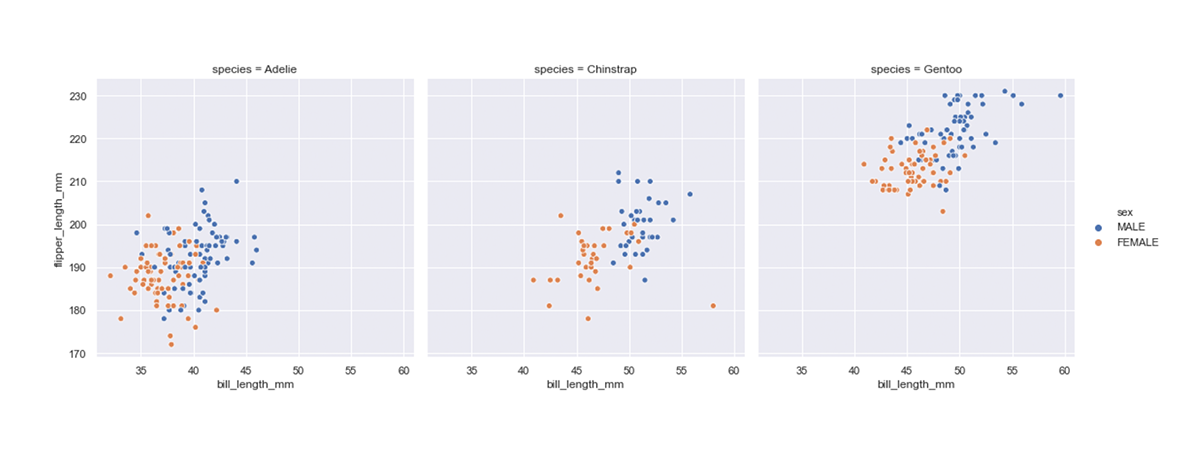
Let us redraw the plot using relplot, and also make use of the col argument. We’ll split up the species into separate columns, and then vary the hue to change the colour of points based on the penguin’s sex.
Code:
sns.relplot(
 data=penguins,
 x="bill_length_mm",
 y="flipper_length_mm",
 hue="sex",
 col="species"
)
Output:
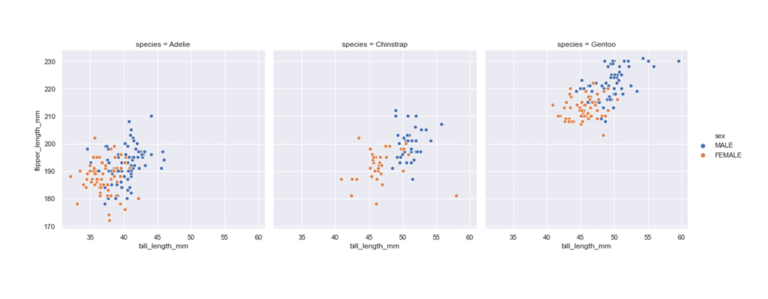
Notice that Seaborn uses the same axes scales throughout the plots. This allows us to visually compare the species. Even though they are on different plots, we can tell that Adelie penguins are smaller than Chinstrap, which in turn are smaller than Gentoo. These colours allow us to see that female penguins are generally smaller than males.
Step 4
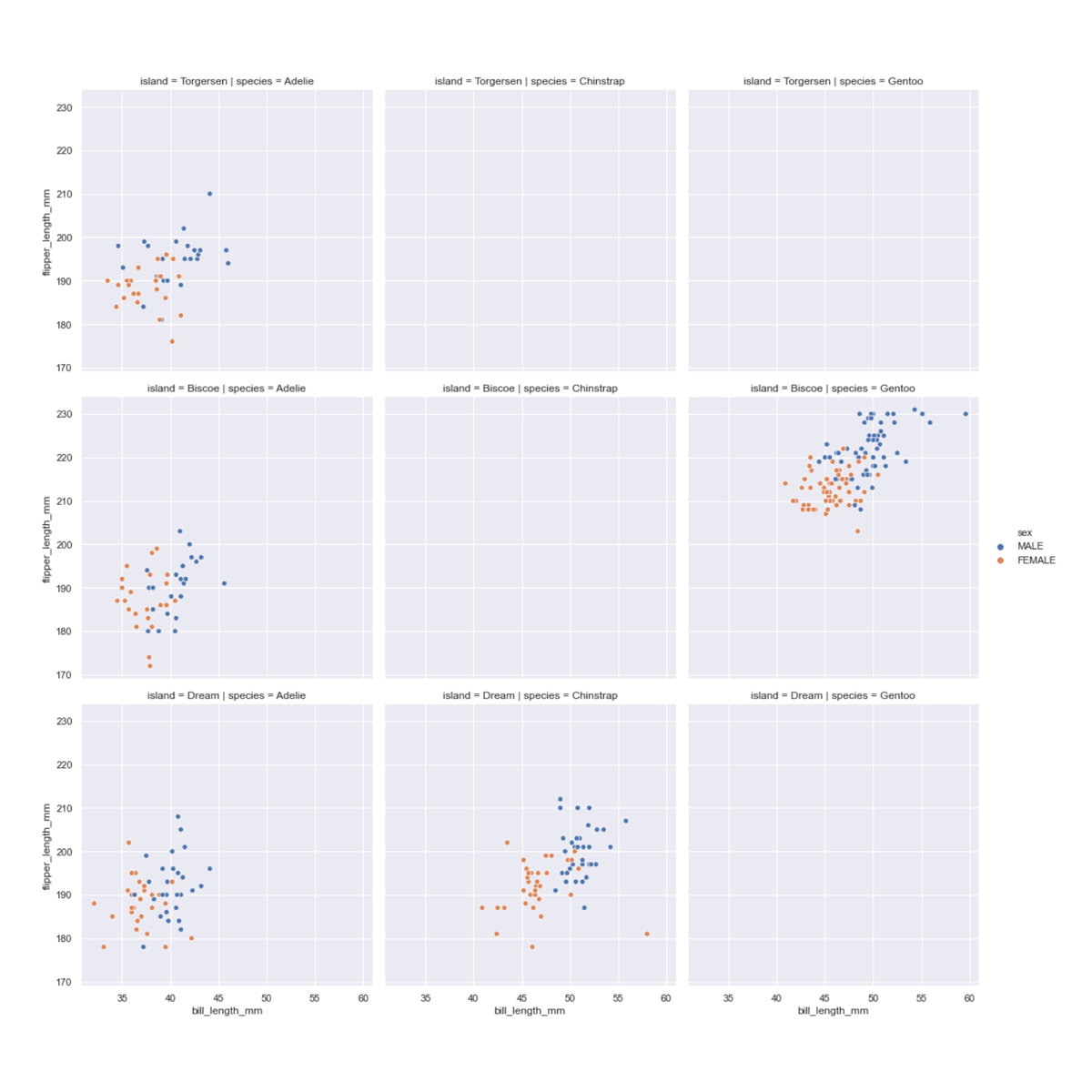
Let’s have a quick look at the row keyword argument too. We can use it in place of col to split attributes into separate rows instead of columns. Alternatively, we can use it with col to visualise yet another variable. Let’s use it in our relationship plot so show the different islands on each row.
Code:
sns.relplot(
 data=penguins,
 x="bill_length_mm",
 y="flipper_length_mm",
 hue="sex",
 col="species",
 row="island"
)
Output:
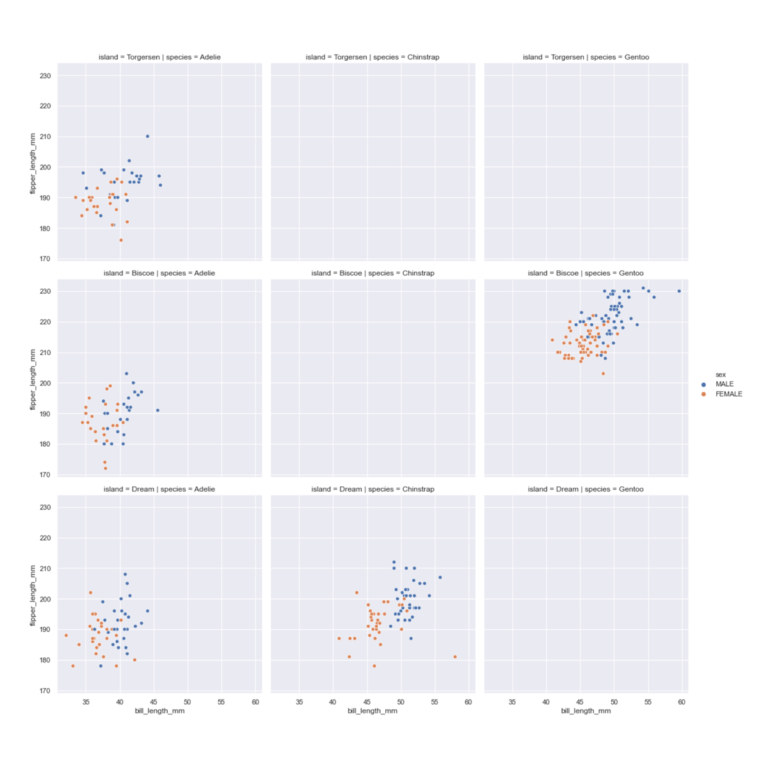
This plot quickly shows us something that was not immediately obvious before – the type of species that live on respective islands. Adelie penguins are found on all three types of islands, whereas Chinstrap are found only on Dream, and Gentoo on Biscoe.
For more customisation options for the relplot function, refer to the link provided here. Read through the options to improve your understanding.
Read: Seaborn relplot documentation [2]
Over to you
How is the relplot() different from the rest of the plot functions you learned so far?
References
-
Holtz Y. #134 How to avoid overplotting with python [Article]. The Python Graph Gallery; [date unknown]. Available from: https://python-graph-gallery.com/134-how-to-avoid-overplotting-with-python/
-
Cellania M. 9 Scatterplots Good for a Laugh [Article]. MentalFloss; 2015 Jun 2. Available from: https://www.mentalfloss.com/article/64631/9-scatterplots-good-laugh
Data Visualisation with Python: Seaborn and Scatter Plots


Data Visualisation with Python: Seaborn and Scatter Plots