
AI-Powered Animation Creation: Exploring Music and 3D Animation Generation on the LODGE Platform
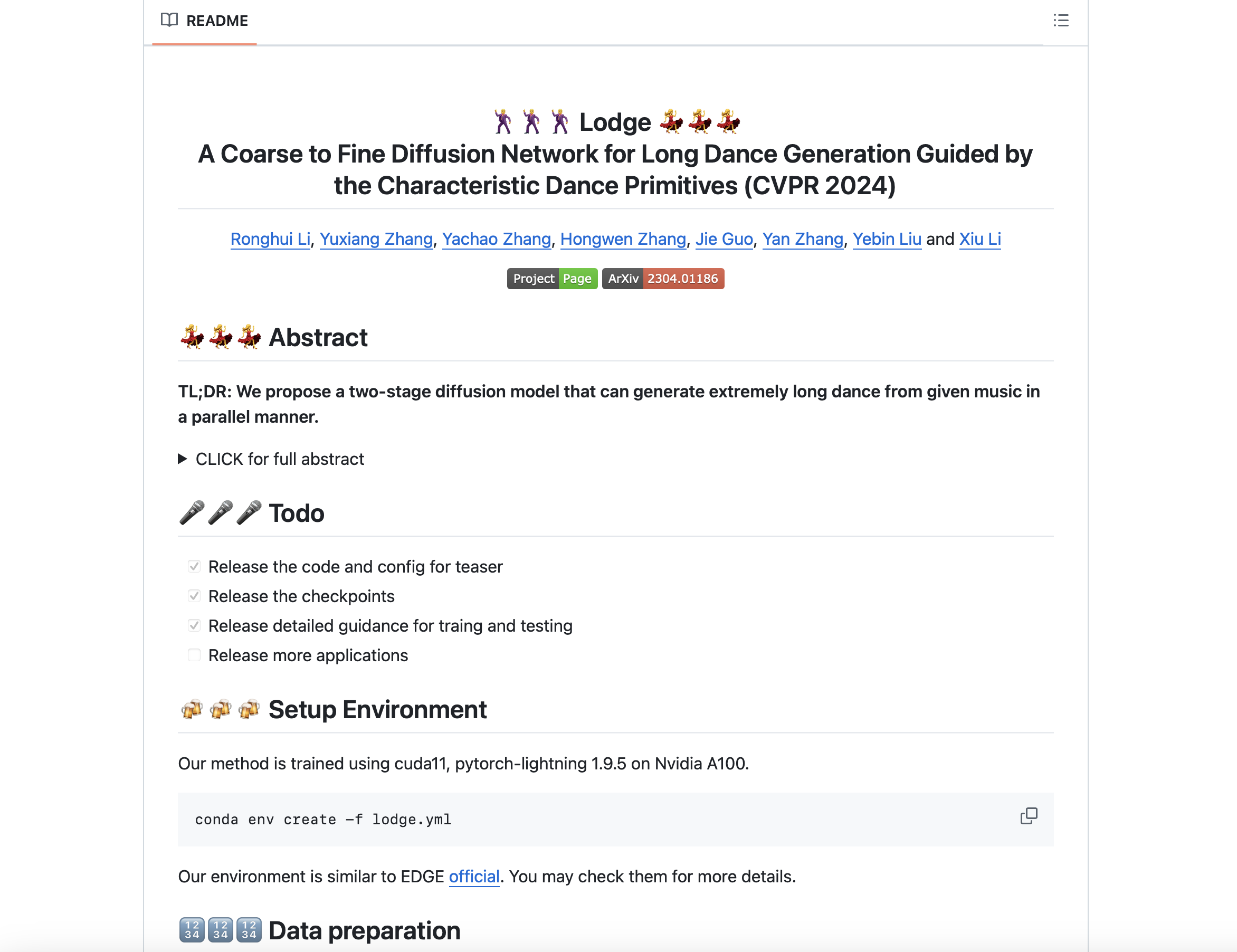
The Rise of AIGC in 3D Animation Creation
In the field of animation, traditional 3D animation creation requires a lot of manual design, modeling, rendering, and post-production, which is complicated and time-consuming. Especially in commercial production, balancing rapid content production and creative expression becomes a huge challenge.
With the rapid development of artificial intelligence technology, AIGC (Artificial Intelligence-generated Content) has gradually become an important part of the creative industry. Especially in the fields of music, animation, film and television, and digital art, AI not only improves the efficiency of creation, but also expands the creative boundaries of creators.
By learning and imitating a large number of artworks and creation modes, AI can automatically generate high-quality content, making art creation no longer limited to the traditional manual process. This breaks the creation threshold and provides possibilities for more non-professional creators.
Imagine sitting in front of a computer, typing in a few pieces of music, or simply describing the animation scene in your mind, and then the AI will automatically generate a three-dimensional animation and accompanying music for you, eliminating the complicated production process.
Does this sound like a scene from a science fiction movie? In fact, this is not a future fantasy, but the reality of what is happening!
AIGC Is Changing the Way We Create
With the rise of AIGC, platforms like LODGE have emerged. These platforms use AI technology to automatically generate animations that match the rhythm and emotion of music, making it easier than ever to create high-quality animation works—even those beyond imagination.
The LODGE platform even supports exporting generated animations in FBX format, allowing creators to work further in Blender, Maya, and other 3D software for customization and optimization.
1. Platform Introduction
AIGC music generation animation is a type of AI application that integrates music generation and 3D animation creation.
The LODGE platform leverages cutting-edge technologies such as:
- Deep learning
- Natural Language Processing (NLP)
- Generative Adversarial Networks (GAN)
With LODGE, users can generate 3D animated content that matches specific musical styles, rhythms, and emotions — reducing production costs and speeding up the creative cycle.
Key Features
- Automatic analysis of user-input music and parameters
- Auto-adjustment of character actions to match music rhythm
- Supports integration with Blender, Maya, Cinema 4D, etc.
2. Use Method and Process
2.1 Registration and Login
- Register on the LODGE official website via platforms such as GitHub.
- Log in through the web app or desktop client.
- Supports Windows, macOS, and extensions for developers.
2.2 Music Generation
Users can either:
- Upload their own
.mp3or.wavmusic files - Use platform-provided music templates
You can customize parameters such as:
- Emotional tone
- Rhythm change
- Pitch
Example configuration file config.json:
{
 "input_audio": "your_music.mp3",
 "output_video": "output/animation.mp4",
 "frame_rate": 30,
 "resolution": [1920, 1080],
 "animation_style": "waveform",
 "sensitivity": 0.8,
 "color_palette": "vivid"
}
Field explanation:
input_audio: Path to the input music fileoutput_video: Path to save the generated videoframe_rate: Frame rate (30 or 60 recommended)resolution: Video resolutionanimation_style: Animation style (e.g., waveform, abstract)sensitivity: Response sensitivity (0–1)color_palette: Color scheme (e.g., vivid, pastel, dark)
3. Run the Project
3.1 Analyze Music Rhythm
Run the command to analyze the music:
bash
python analyze_music.py --input_audio your_music.mp3
This generates a rhythm.json file, which contains the rhythmic data.
3.2 Generate Animation Frames
Run the command:
bash
python generate_animation.py --config config.json
The animation frames will be saved in the frames/ folder.
3.3 Synthesize Animation Video
Use ffmpeg to combine the frames into a video:
bash
ffmpeg -framerate 30 -i frames/%04d.png -c:v libx264 -pix_fmt yuv420p output/animation.mp4
The final video will be saved in the output/ folder.
4. Combination with 3D Software
The LODGE platform supports exporting to formats like FBX and OBJ, making it easy to import into:
- Blender
- Maya
- Cinema 4D
Workflow:
- Export animation from LODGE in a compatible format (e.g., FBX).
- Import into 3D software, redirect generated bones to user-prepared character rigs.
- Add detailed post-processing and effects.
This combination allows for AI-driven efficiency and human-directed creativity.
Virtual Reality: Exploring the Digital Future


Virtual Reality: Exploring the Digital Future





