
Practising intonation
The online tool 'NaturalReader' can be used to practise intonation. In this step we explain how.
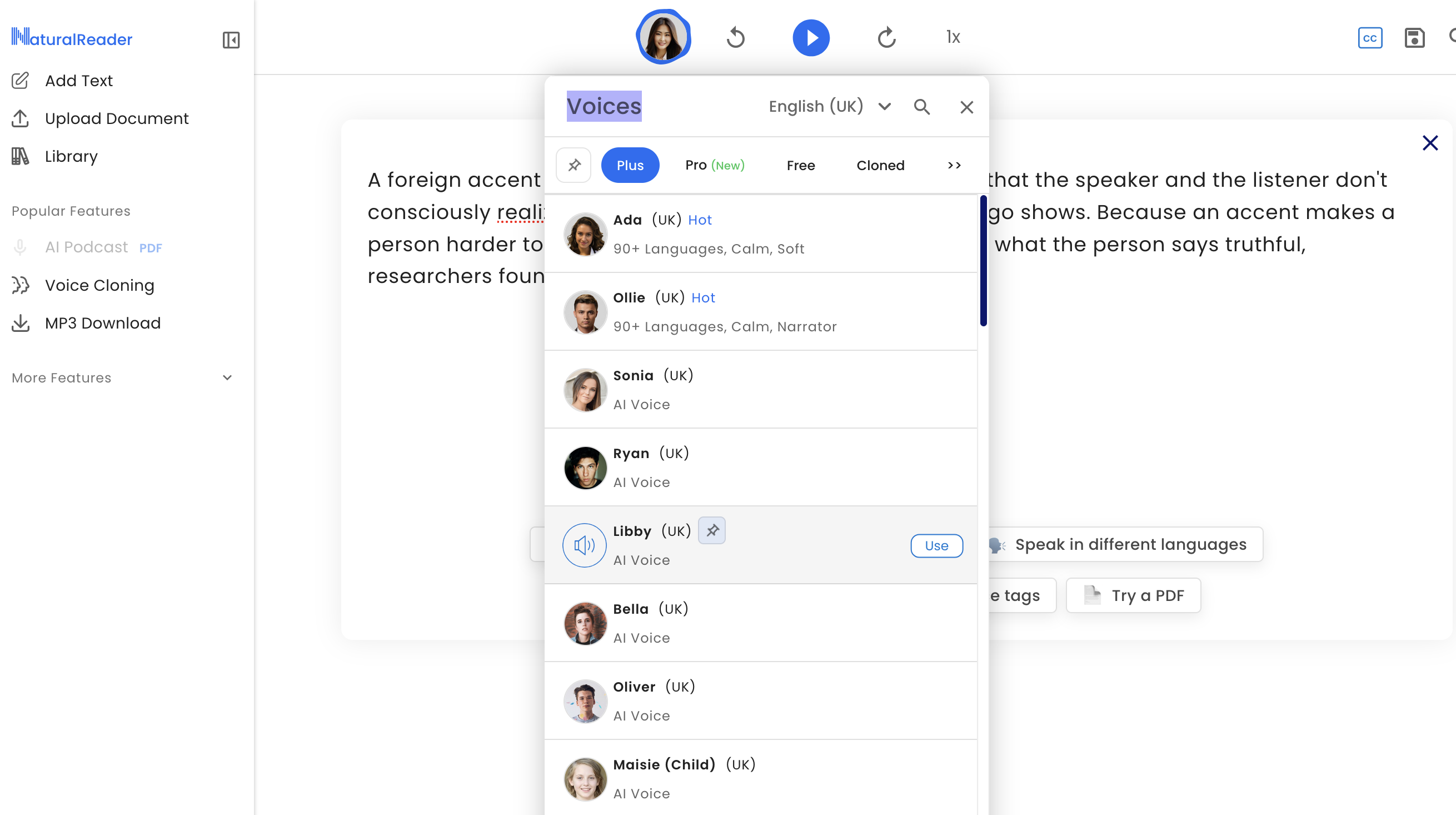
© 2023 NaturalReader
You can practise intonation patterns by using the NaturalReader tool.
In the image of the overview of Natural Reader functions at the top of this step you see that:
- you can insert text in a text box, for example, part of the reading passage that you read in your recording for week 1.
- you may also select a text provided by Natural Reader at the bottom of the screen, for example, a short story.
- or you could insert a statement, a yes-no question, a wh-question etc. to compare and contrast the different intonations.
- you can then select a variety of English in which the text is read, for example, UK English or American English.
- and then a voice to read the text, paying particular attention to intonation. Note that free users can try Plus Voices for up to 5 minutes per day, or use Free Voices with no limits.
Your fellow learners may learn from you how you have used the NaturalReader tool to practise intonation. Could you leave a comment in the comments area?
© 2023 NaturalReader





